Streamlining Tools for High-Speed Note-Taking.
Designing a simple toolbar for seamless tool-switching.
Company
Notability
Industry
Productivity
My Role
Product Design
my Role
Web & Mobile
Year
2020
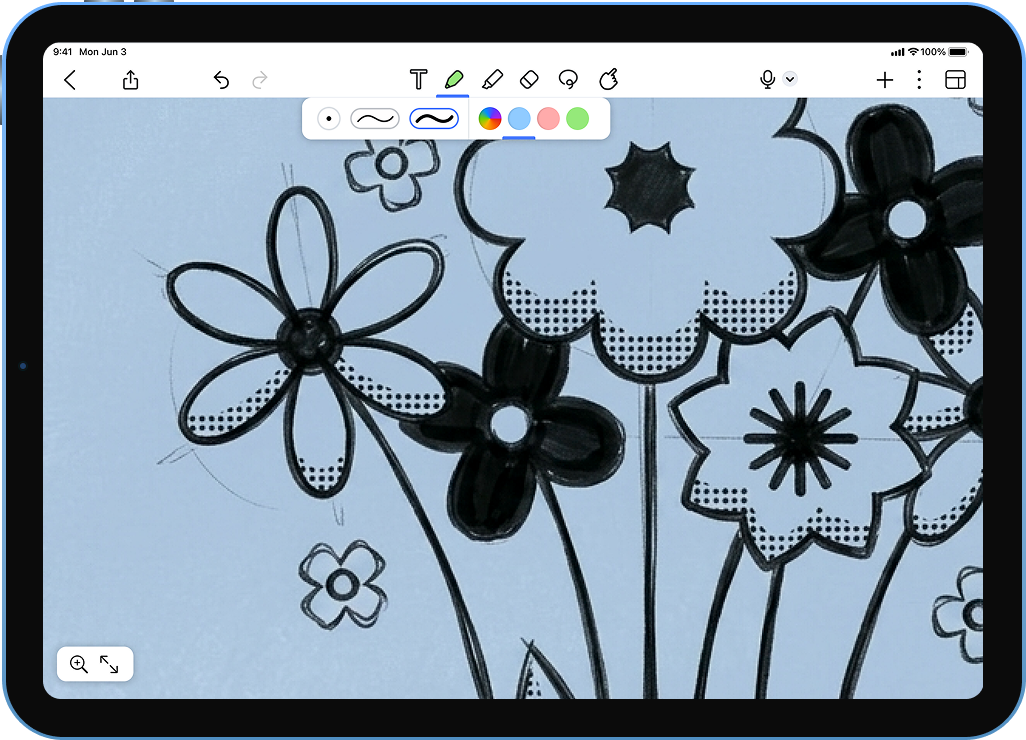
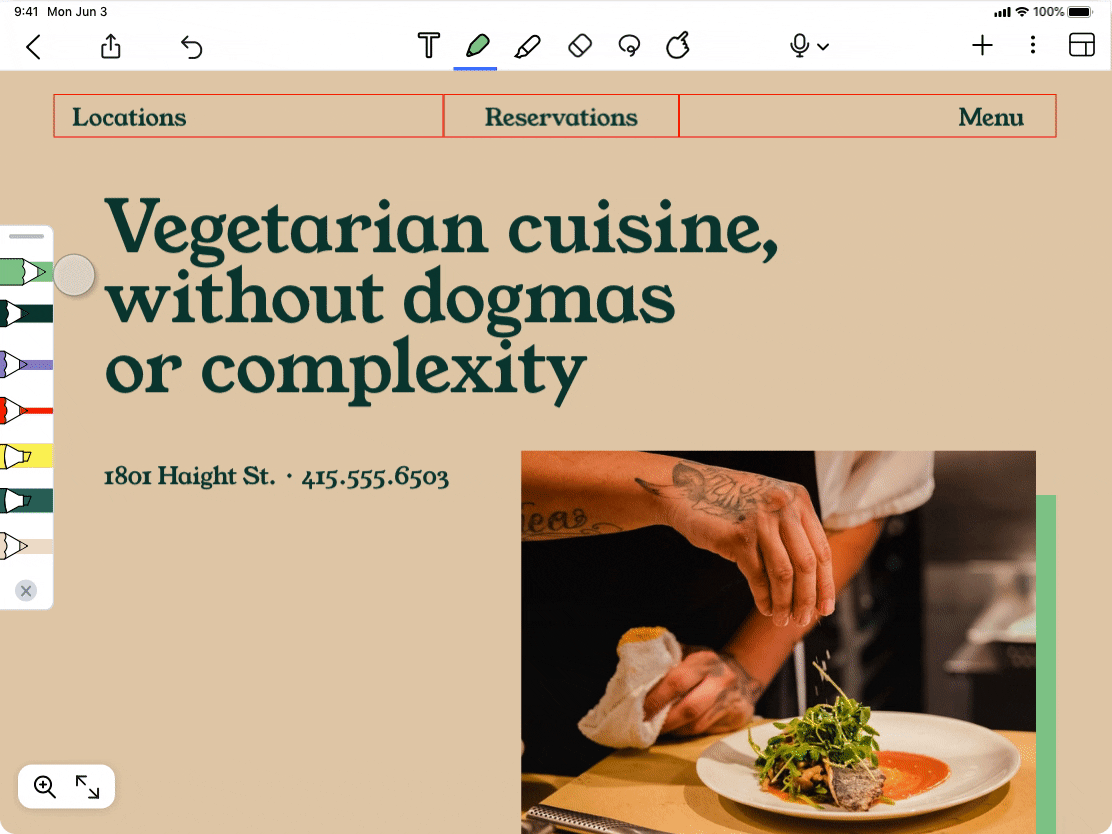
I led the redesign of Notability’s tool system, evolving a high-friction UX into a context-aware favorites bar. By creating favorite tool styles, I eliminated the 'menu-diving' that interrupted notetaker’s flow states, transforming the app into a tool capable of keeping pace with live academic lectures.
Menus upon menus
The Friction with changing tool styles
Notability users, particularly students and researchers, rely on color-coding and stroke weights to categorize information in real-time. The existing interface required 3–4 manual taps to change a single tool’s properties.
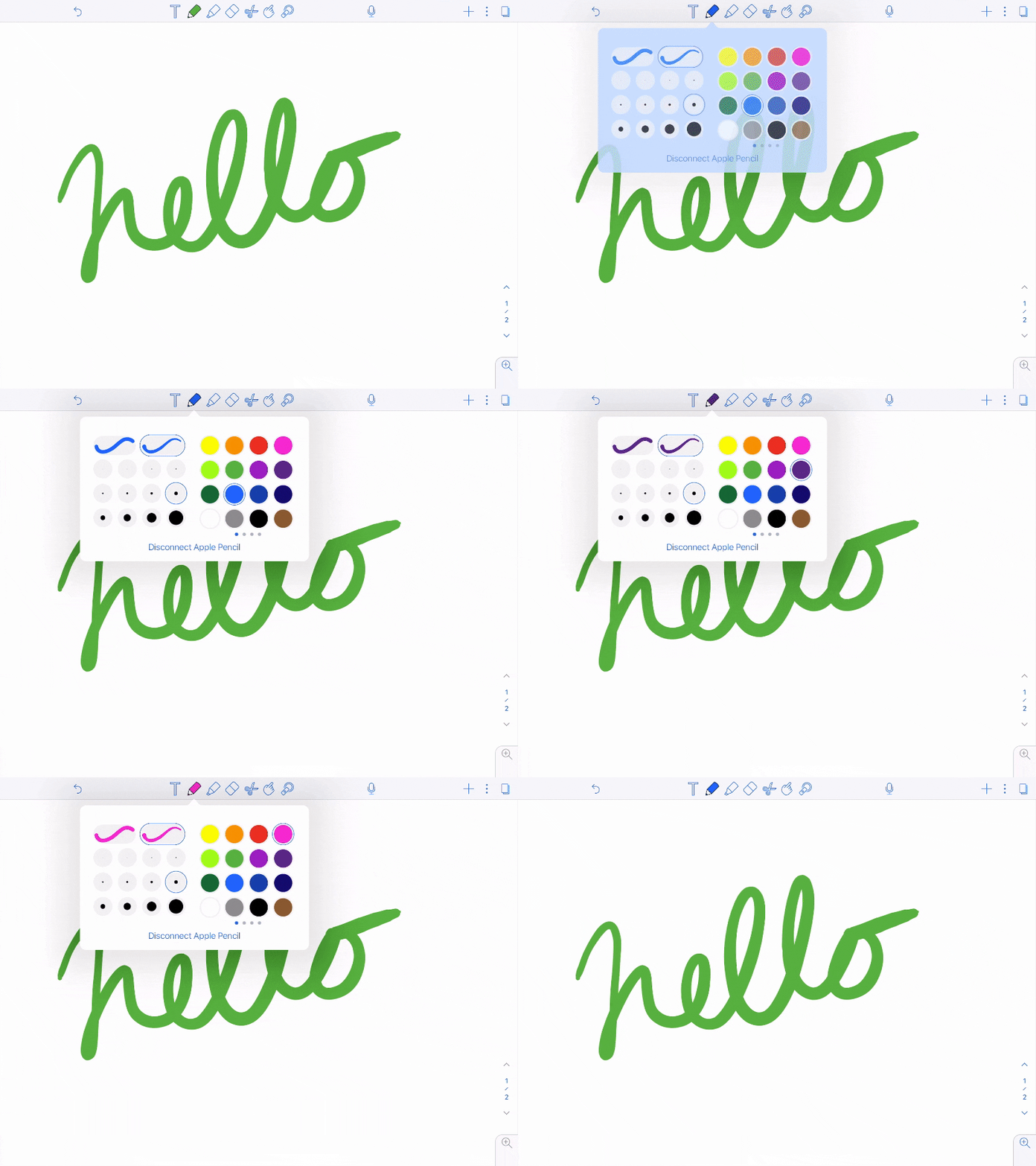
Users had to interrupt their "flow state" to navigate menus for every style change.
In high-pressure environments like live lectures, the time cost of menu-diving resulted in incomplete notes and mental fatigue.
While users had "recently used colors," they lacked "favorite presets" the ability to save a specific combination of tool + color + weight.
Saving Style Combos
Mining for Customer Insights
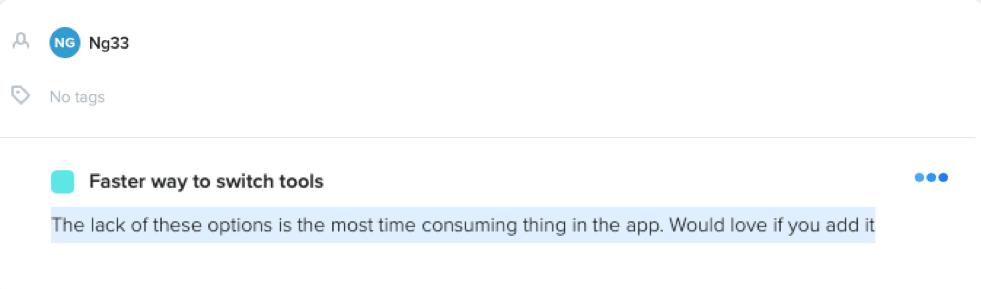
I initiated the discovery phase by auditing user feedback. Leveraging our Productboard, I categorized varied note-taking workflows to understand how different contexts demanded different levels of tool-switching speed.
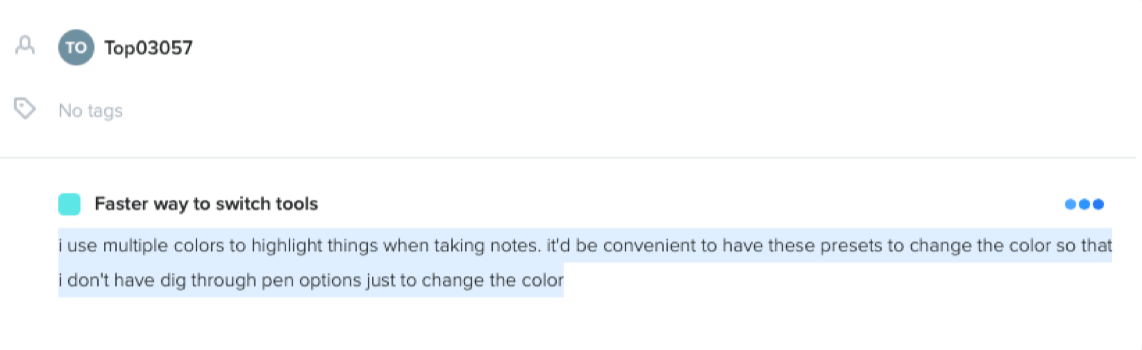
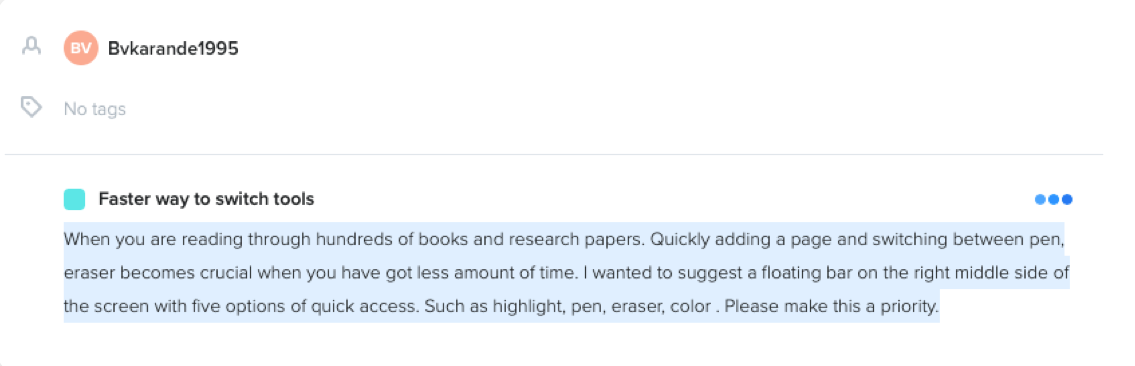
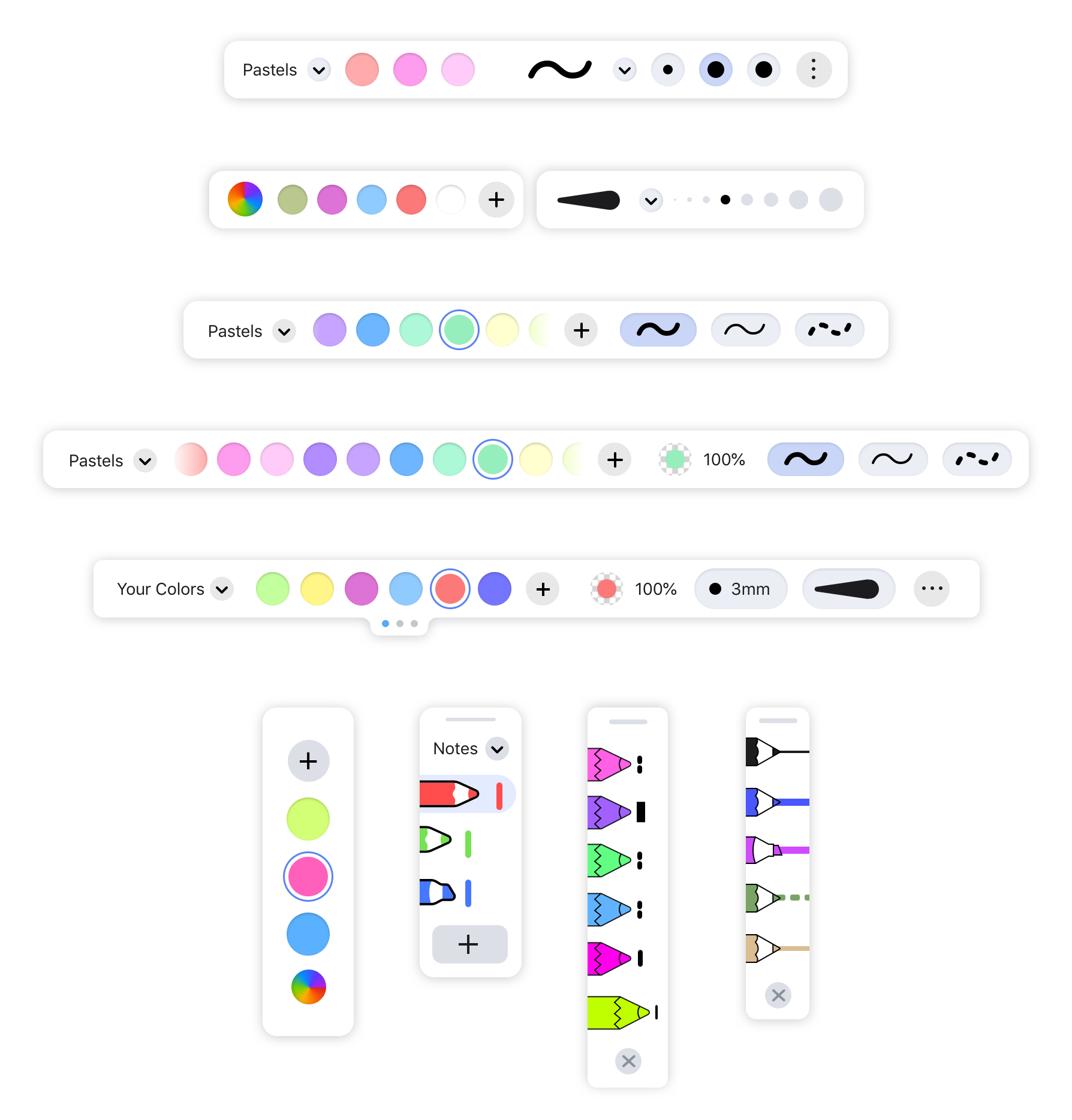
Favorite Tools
While 'recently used colors' offered a temporary fix, it failed to capture the user's intent for specific, repeatable styles. User research revealed a split in mental models: some users desired granular control (mixing and matching independent color/weight attributes), while others sought preset-based efficiency (switching tool, color, and weight in a single tap).
I led a month-long exploration during our remote-work transition to pressure-test these two architectures.
Model A: Favorite Styles
The challenge was to introduce 'Power User' functionality (Presets) without compromising the app’s signature simplicity and accessibility.
Some customers requested the ability to save a handful of favorite colors, or even a handful of pencil/highlighter styles for quick selections.
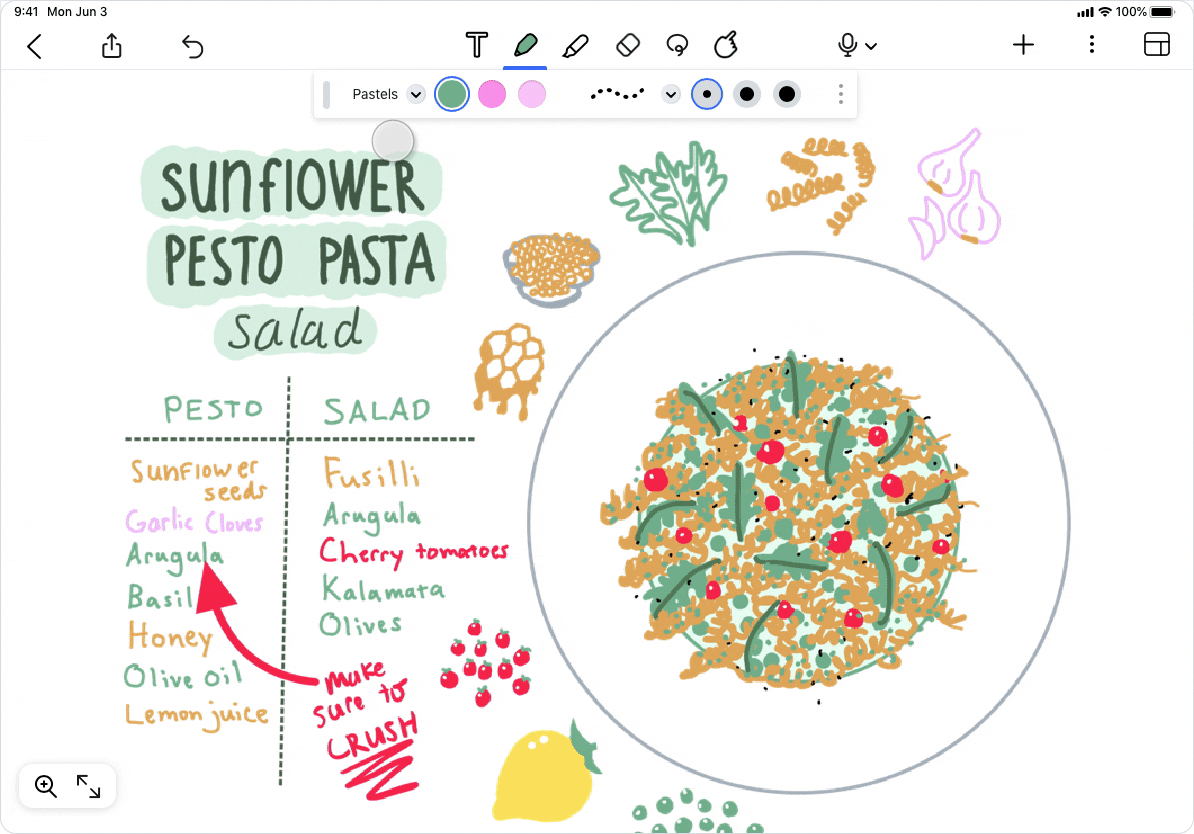
Model B: Favorite tools
Being able to tap on your favorite tool has an effortless simplicity to it. Customers could save combinations of colors+sizes into a “favorite tool,” like a wide yellow highlighter, or a thin red pencil.
Notability serves a diverse set of users, from elementary students learning to write to neurosurgeons documenting procedures.
Refining Model B: Favorite tools
We saw a flood of customers who favored Model B:
“I love love love the new favorite tools feature, it’s so much easier and faster to change between pens, erasers and highlighter.”
“I love the new side panel for favourite highlighters and pens. A feature I hadn’t thought I needed. Makes reading and highlighting with different colours much simpler.” (from a customer in the UK, if you couldn’t tell)
“The addition of the different pens is great, i love it. Will you be adding different types of pens, too. I love the improvements it makes it easier to take notes and is far more efficient”
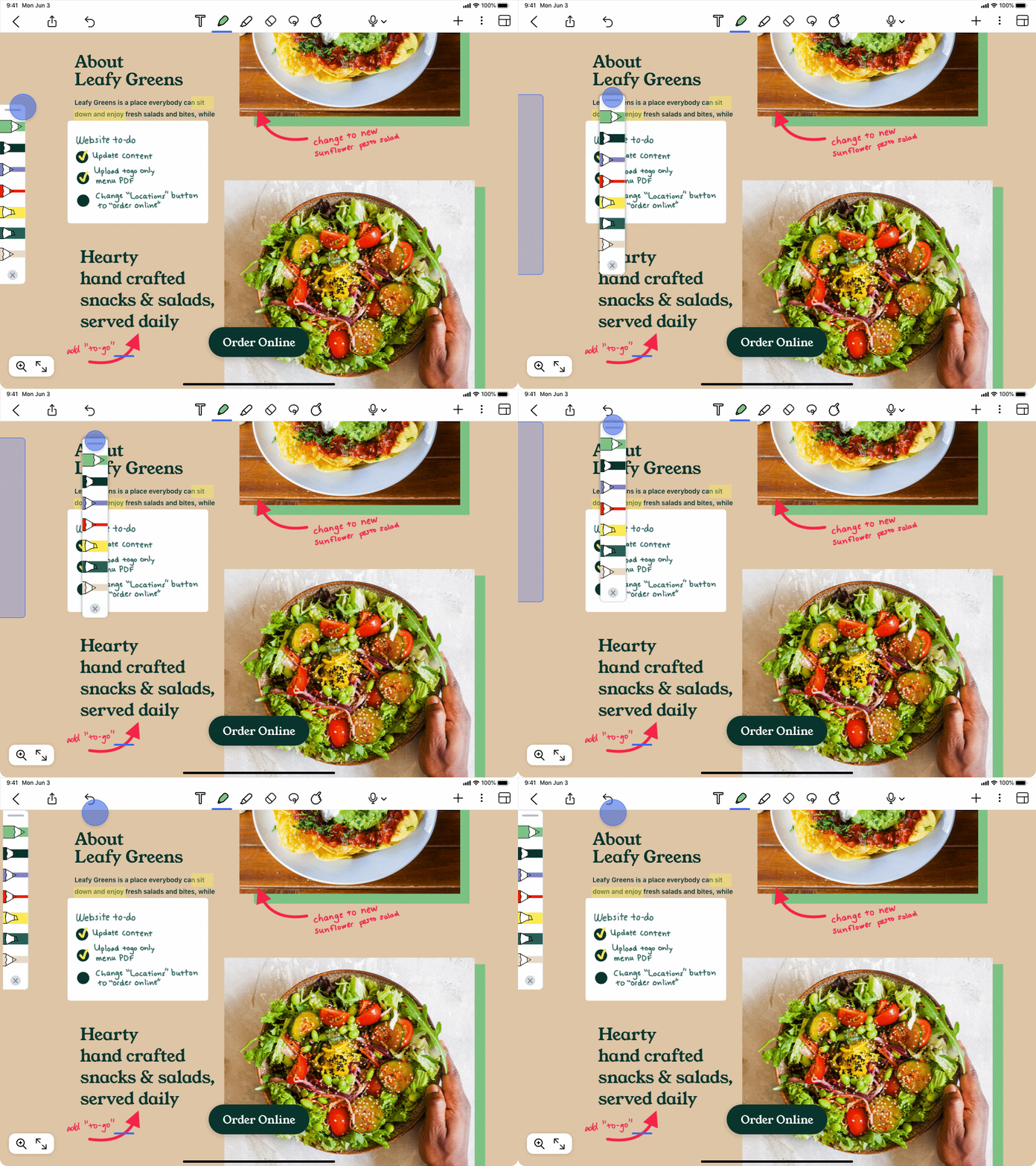
To address ergonomic feedback, I evolved the toolbar from a fixed component into a movable, resizable utility. By supporting edge-anchoring and variable widths in the MVP, we solved for a wide range of accessibility needs and individual note-taking styles without cluttering the core experience."
Completion Time
Measuring the decrease in founder "Back-tracking"
Aiming to reduce the founder time typically lost to "Legal Back-and-Forth".